Google virtual tour
£250 to £2,000A connected walkthrough on Google Maps and Search. The easiest one to sell, and usually the first job you win with a new client.
Virtual tours are the simplest way to add a new income to the photography you already sell. Paid in 360 is a 360 virtual tour course for photographers that takes you from A to Z, from the kit to winning the client.
£1,497 £997 one payment or 3 monthly instalments.
30-day money-back guarantee.
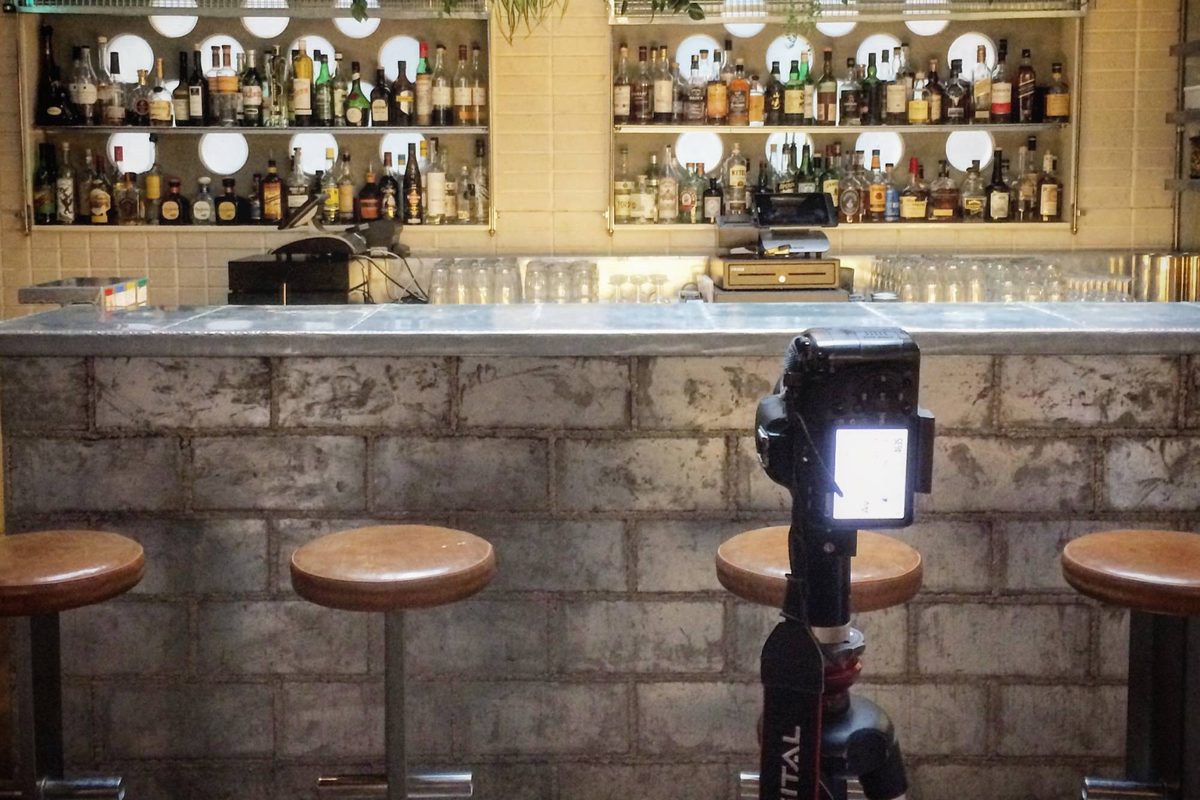
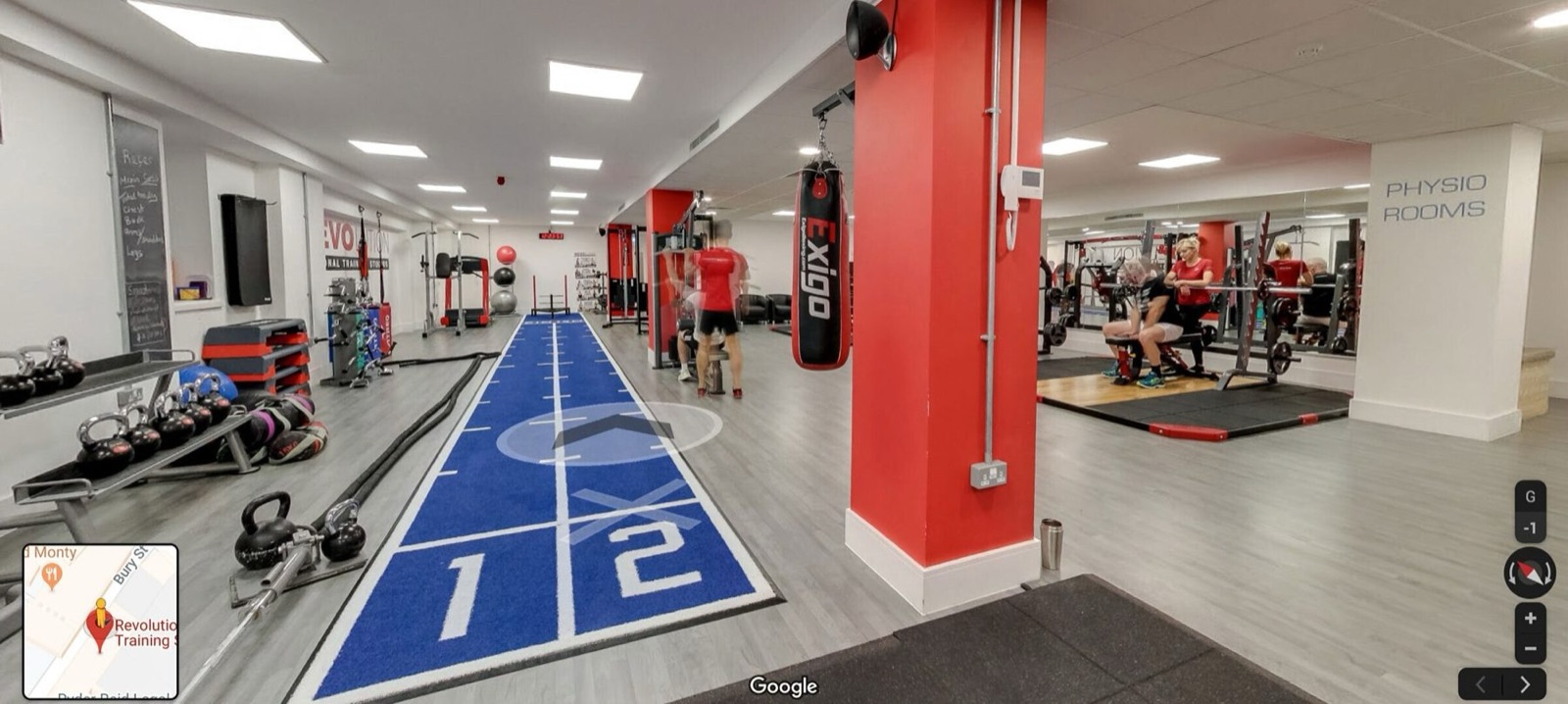
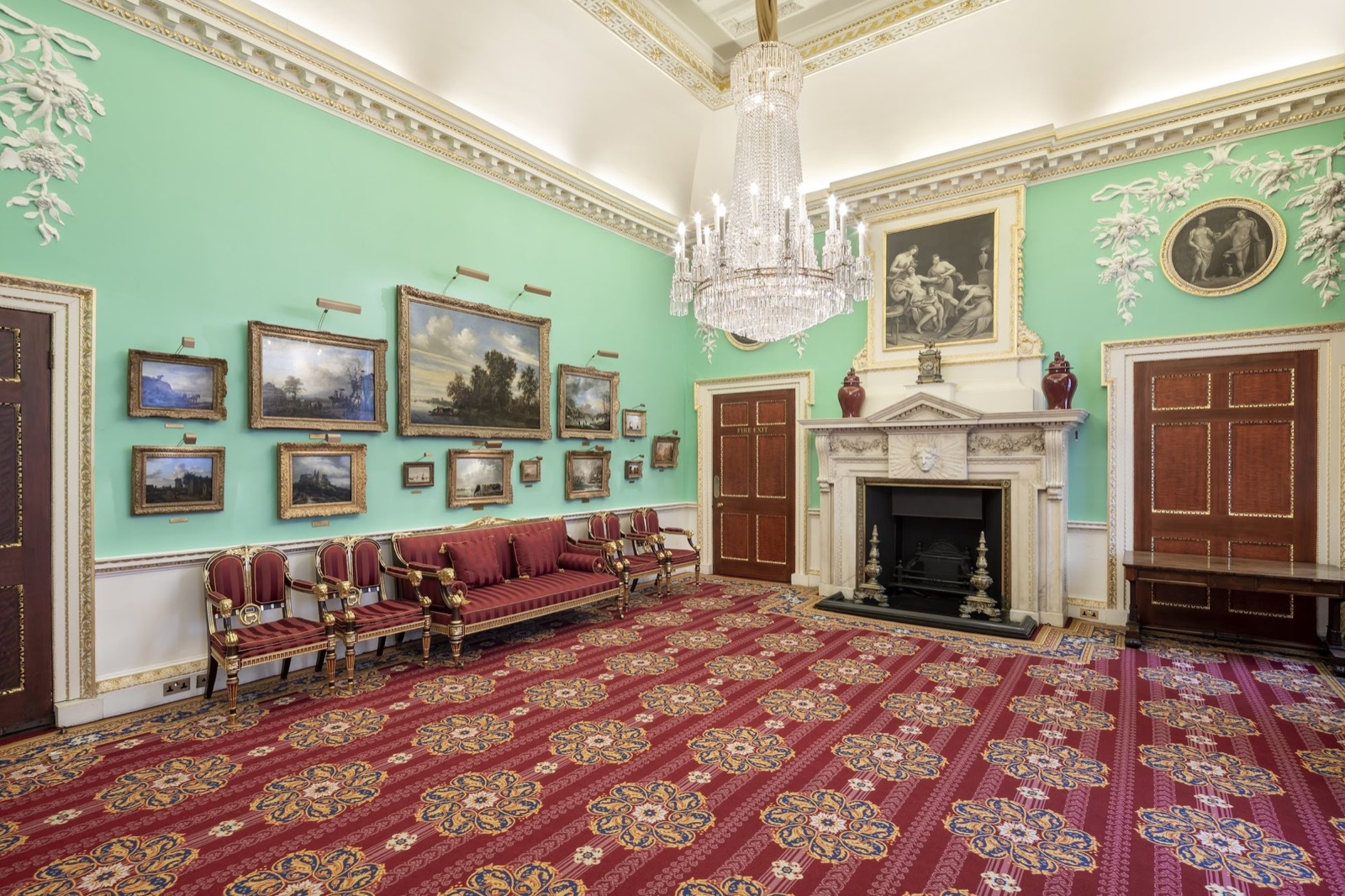
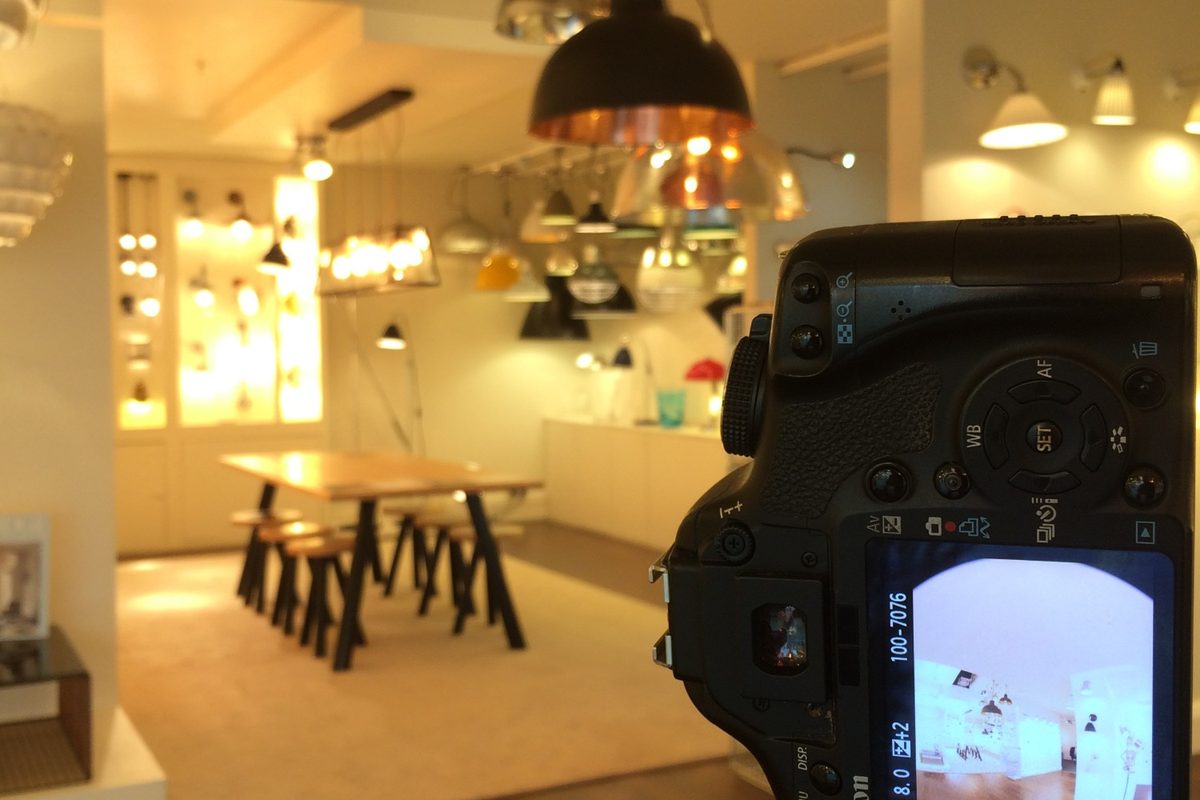
Biztour has shot tours for







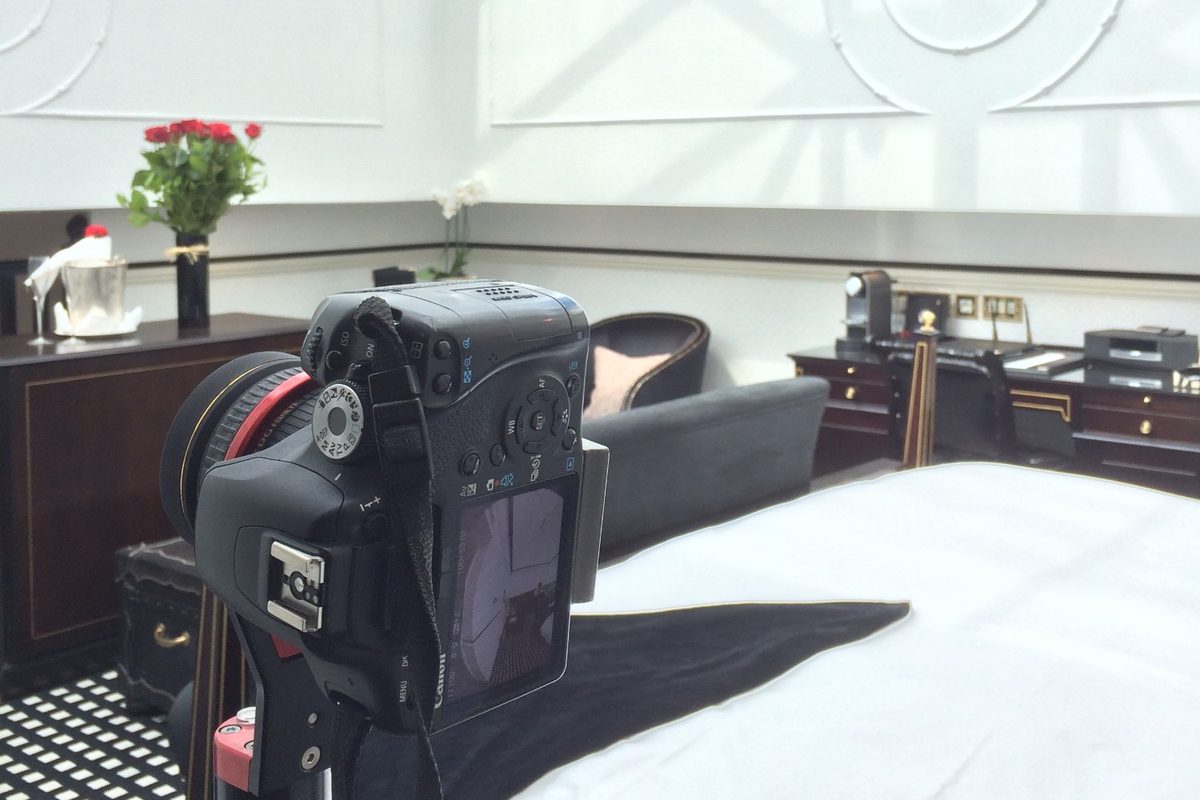
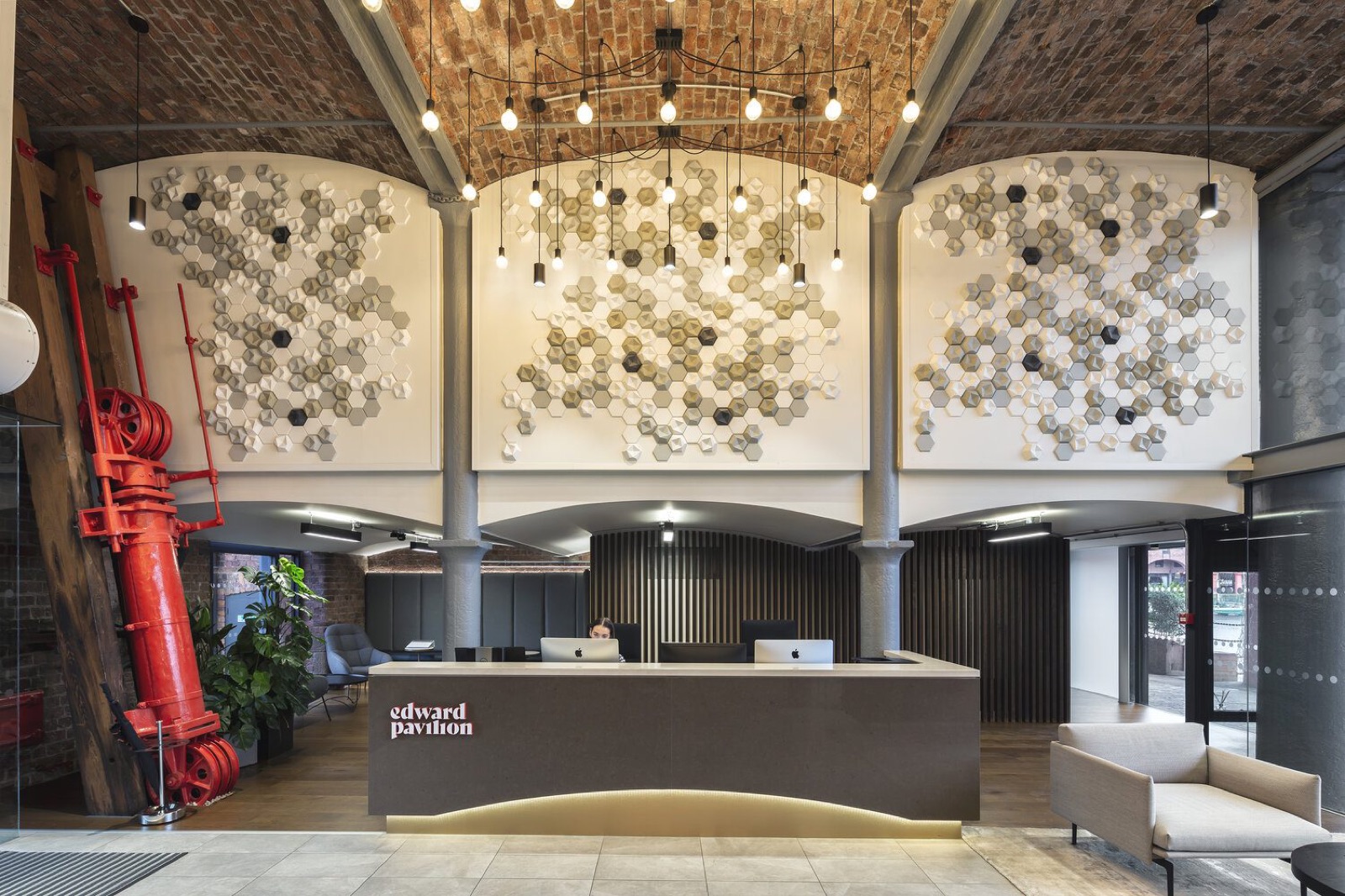
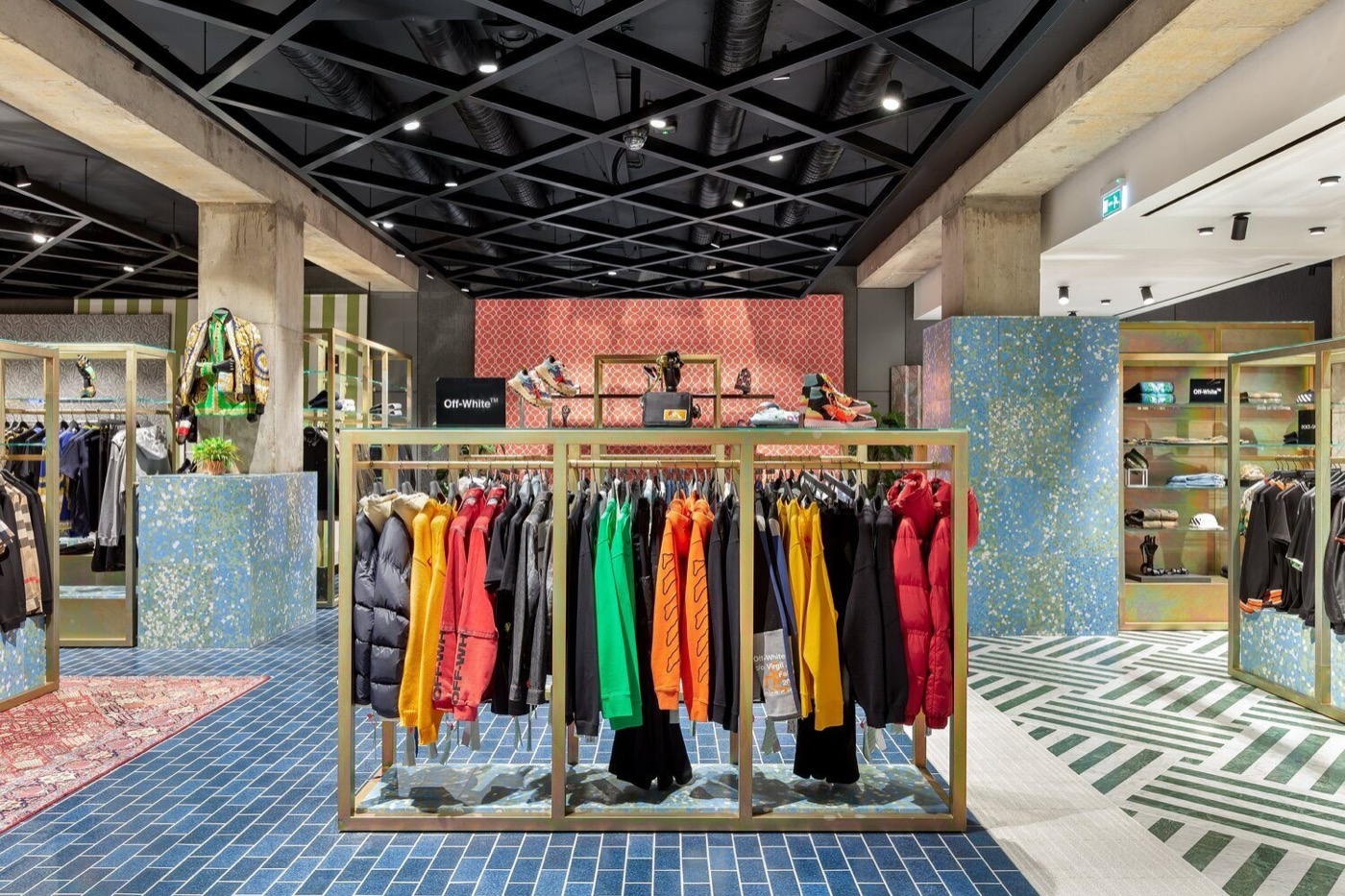
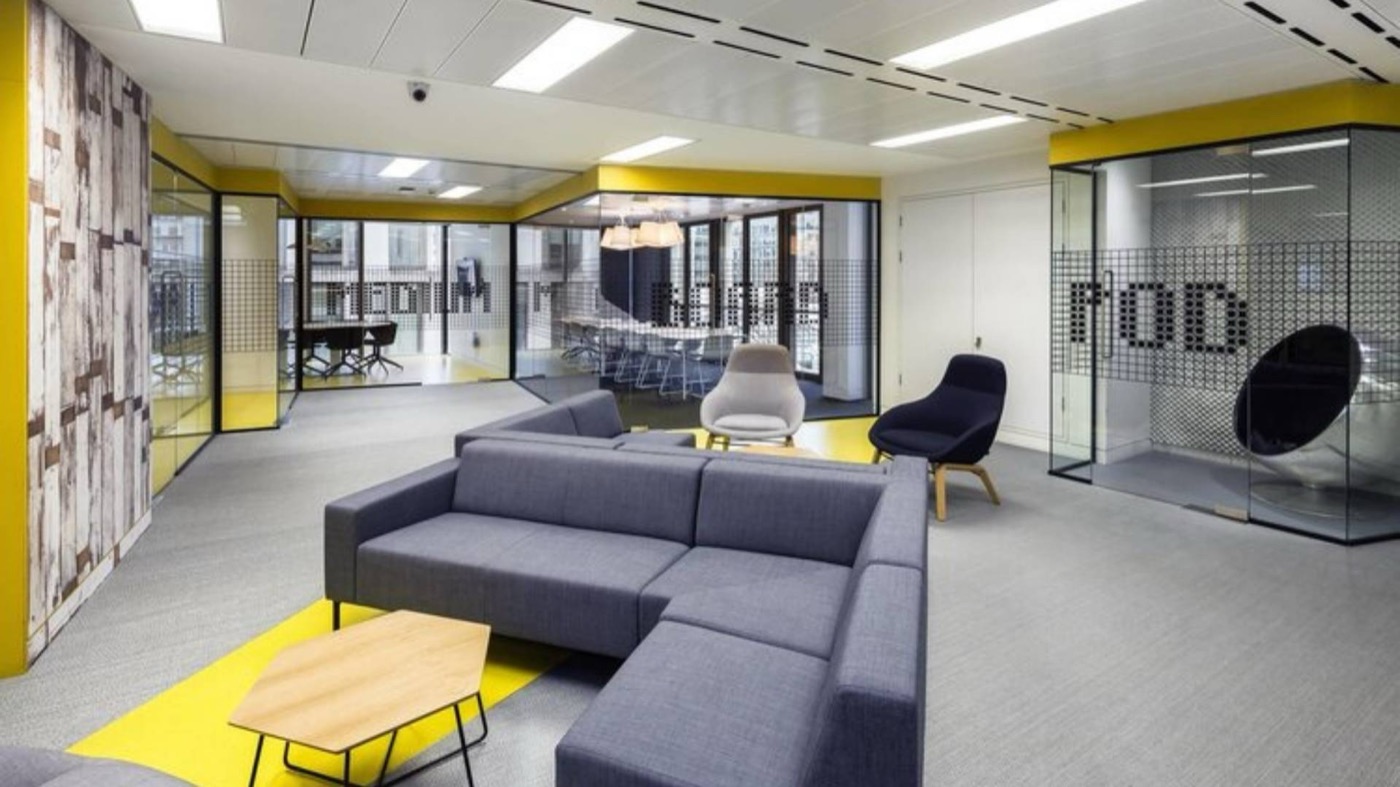
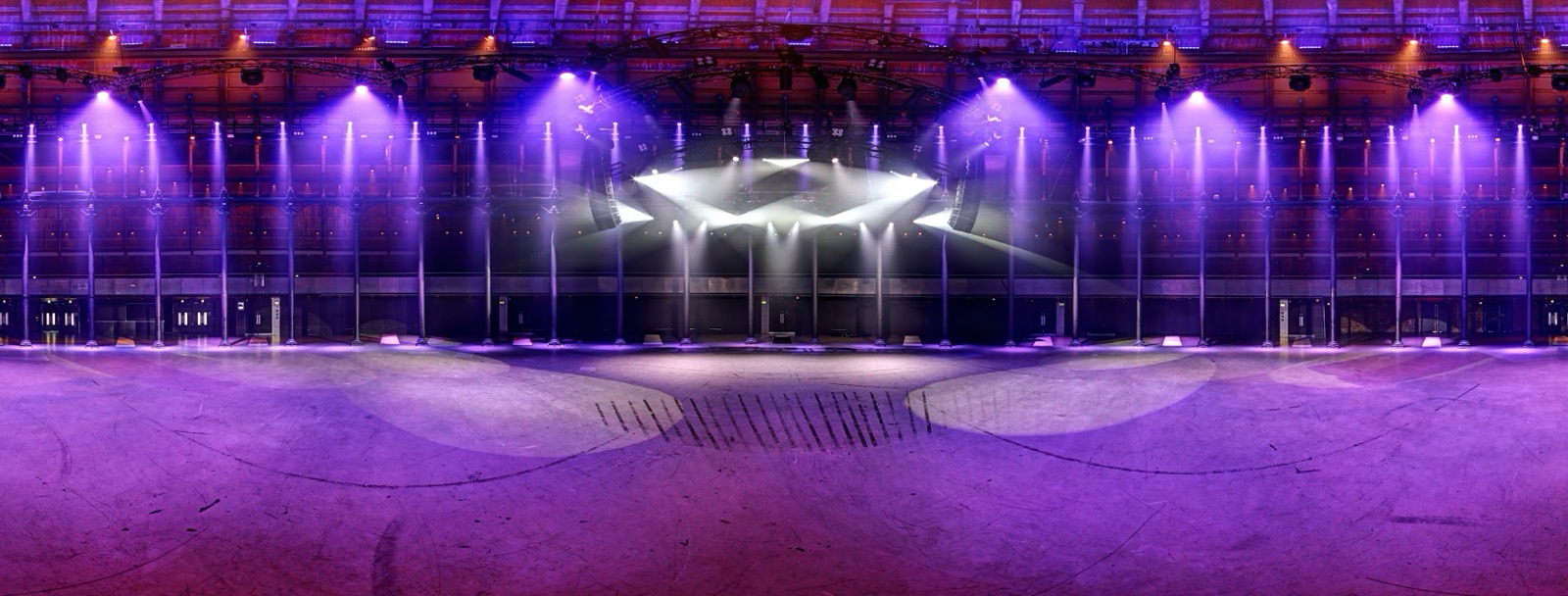

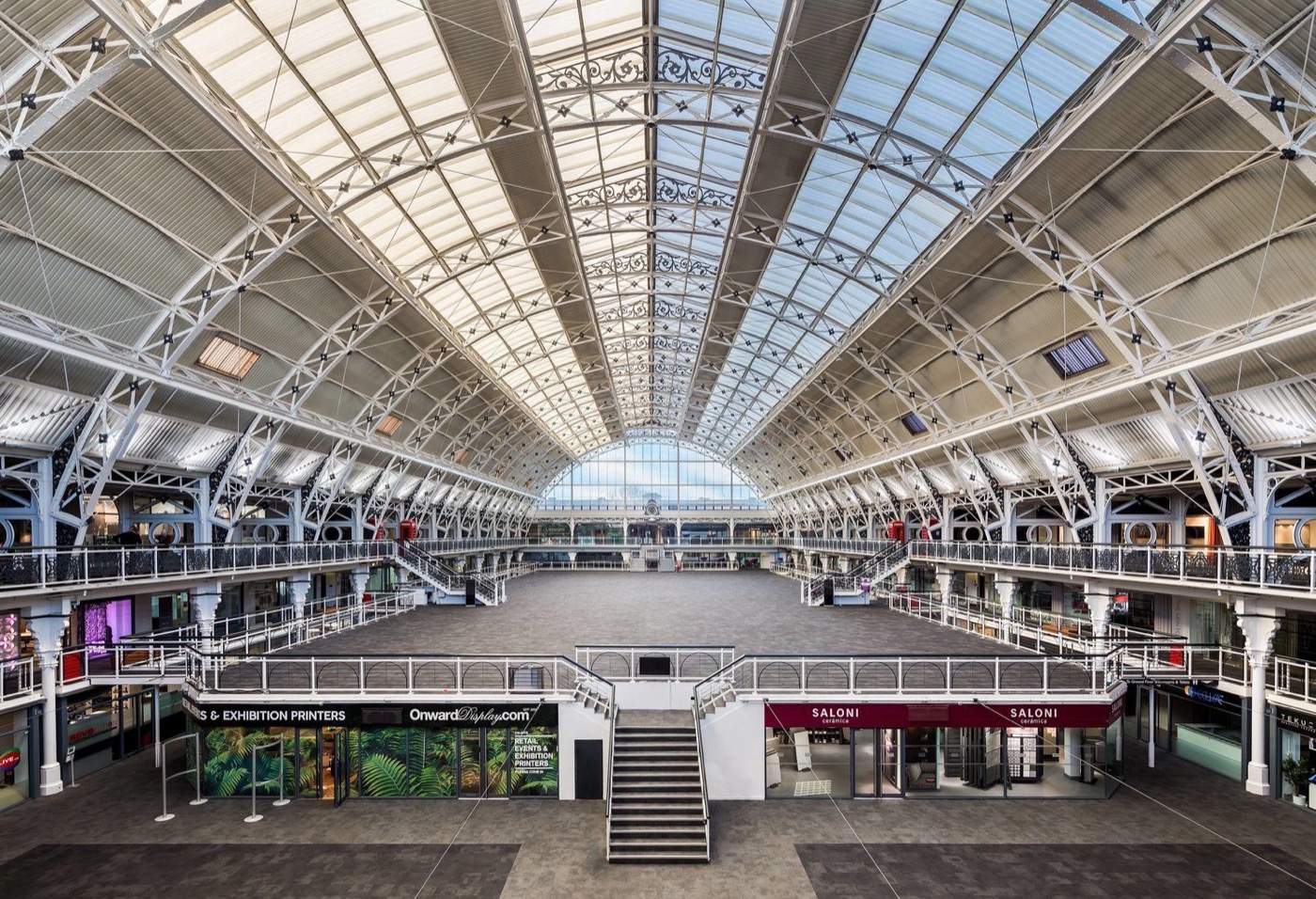
These are UK price ranges from Biztour's own jobs and published price lists. You set your own prices, and Module 1 shows you how to work them out from your own costs, so you are never guessing.
A connected walkthrough on Google Maps and Search. The easiest one to sell, and usually the first job you win with a new client.
A branded tour on the client's own website, with hotspots and a floor plan. This is where the monthly income comes from.
plus £19 to £49 a month hostingThe same standard across every branch, shot on a schedule, with one invoice.
a site, plus hosting per siteis the benchmark price for a large Google virtual tour. One job like that pays for the course.
You would spend more than £997 on a decent lens without thinking twice. This is the kit that teaches you to sell. One large Google virtual tour at the £1,095 benchmark pays for it.
Benchmarks and examples are taken from the course. What you earn depends on your work and your area.
Photographers who add virtual tours tend to get stuck on the same five things. The course is built to fix them.
“I don't know what to charge”
They quote a figure that feels about right without knowing what the job costs them, and end up working for less than they think. Module 1 fixes that first: your costs, a day rate, a floor price and a rate card you can price any job from in ten minutes.
“I don't know how to shoot a virtual tour”
A 360 tour is not a normal shoot: where to stand, how far apart the shots go, how to stitch and how to publish. Modules 4 to 6 take you through it: planning the shoot, a capture routine for your kit, and processing and stitching until it is ready for the client.
“I'm not a salesperson”
Most photographers would rather shoot than sell. Modules 2 and 3 give you the words: the emails, the call scripts, what to say when you walk in with a demo, and a quote template that does the selling for you.
“I don't know who would buy it”
Most businesses that would benefit from a tour have never searched for one, so a portfolio page on its own brings in very little. Module 2 shows you how to go to them: a list of fifty local businesses, then a short run of emails, calls and a visit.
“I'd get paid once, then nothing”
They send the files and an invoice, and that is the last money they see from the client. Modules 7 and 8 cover what comes after: a hosting plan the client pays for every month, and more work from clients you already have.
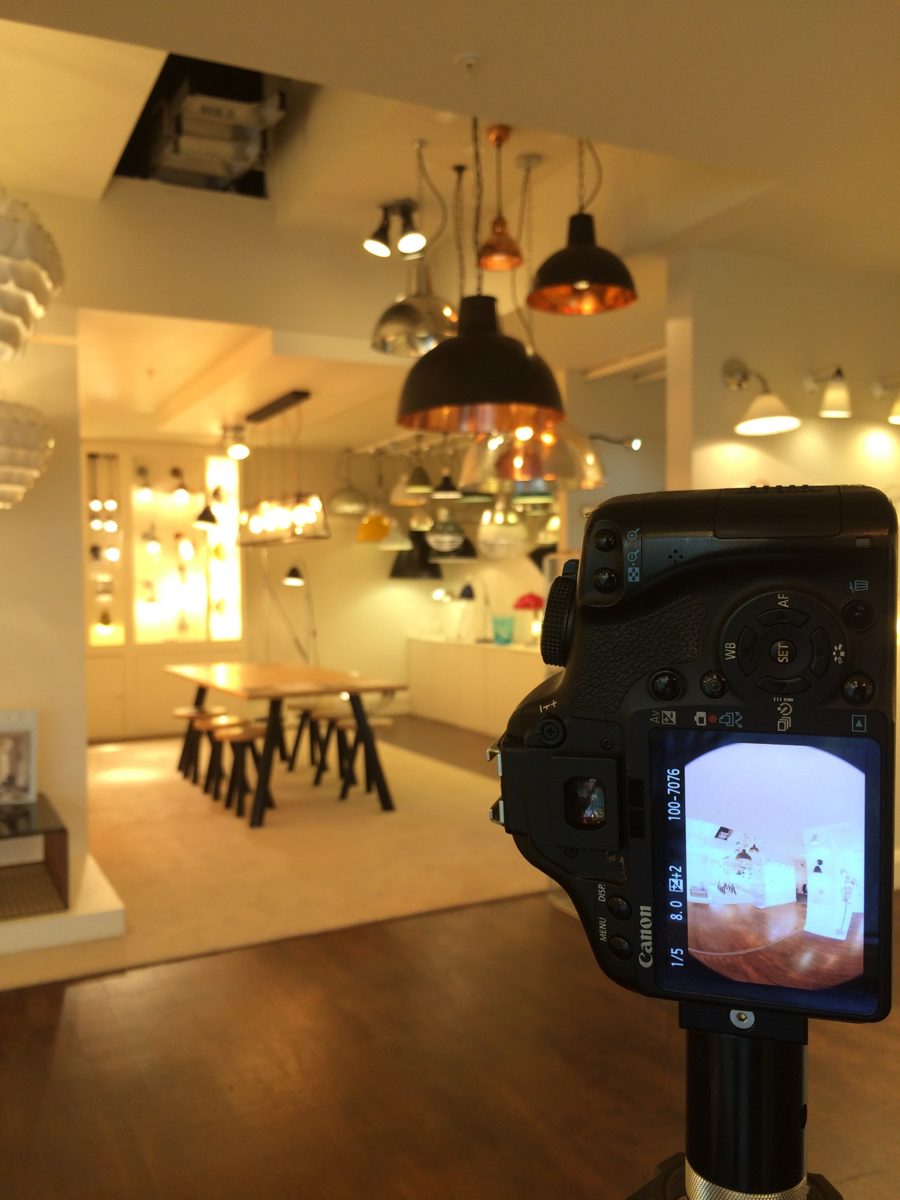
Each module has a template you can use straight away and an exercise that leaves you with something real, such as a rate card, a prospect list or a set of terms.
Work out your costs, a day rate and a floor price, then build a three-package rate card and price three real jobs from it.
7 lessonsBuild a list of fifty local businesses from Google Maps and contact them with a short run of emails, calls and a visit.
8 lessonsRun a scoping call, estimate time on site, send a three-option quote and agree terms, including copyright and what Google is allowed to use.
8 lessonsGet the client to prepare the space, plan the timing and light, and keep the shoot day on schedule.
8 lessonsShoot with a one-click 360 camera, or with a DSLR on a panoramic head, and decide which one each job needs.
12 lessonsProcess, retouch and colour-match the panoramas, name the files properly and check them before anything goes to the client.
6 lessonsPublish to Google, build a hosted tour, hand it over, and set up the monthly hosting plan and report.
6 lessonsSell add-ons and architectural stills to existing clients, and grow a single site into a multi-site contract.
6 lessonsEvery lesson is short, written to be read on a phone, and most have a diagram. There are 51 of them in the course. These are taken straight from the lessons.
| On your own | With the course | |
|---|---|---|
| Pricing | Guess a figure and hope it covers your costs | A rate card built from your own costs (Module 1) |
| Finding clients | Wait for enquiries that rarely come | A list of fifty local businesses and a run of emails, calls and visits (Module 2) |
| Quotes and terms | Write them from scratch and miss things | Templates for quotes, terms, copyright and what Google can use (Module 3) |
| The shoot | Learn from mistakes on paid jobs | Checklists and a capture routine for your kit (Modules 4 and 5) |
| After delivery | One invoice, then nothing | A monthly hosting plan and more work from the same client (Modules 7 and 8) |
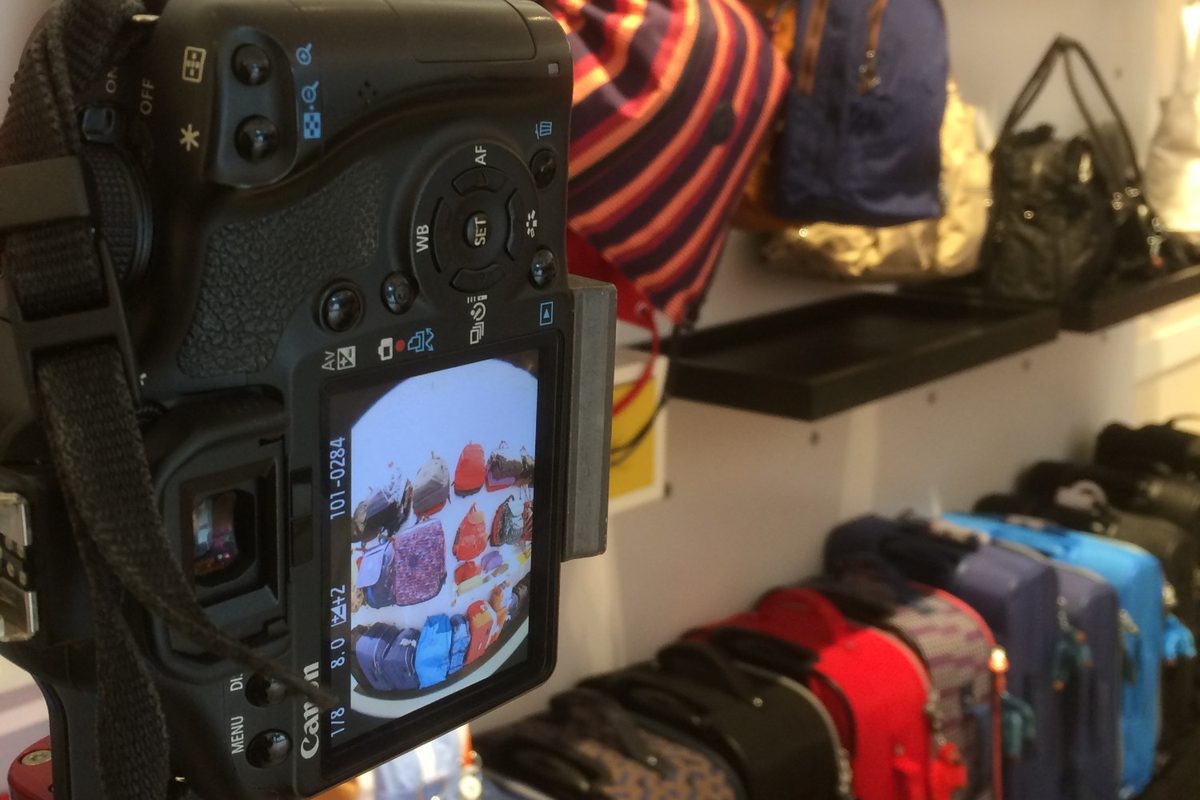
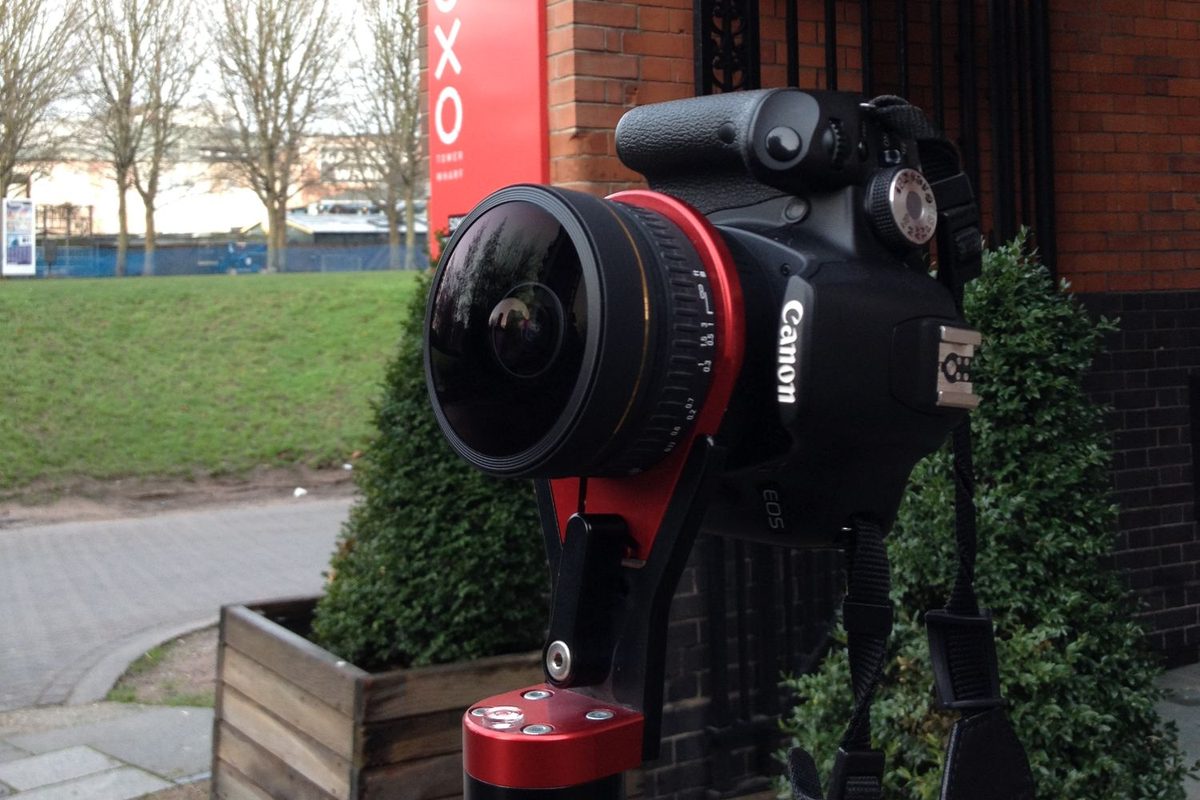
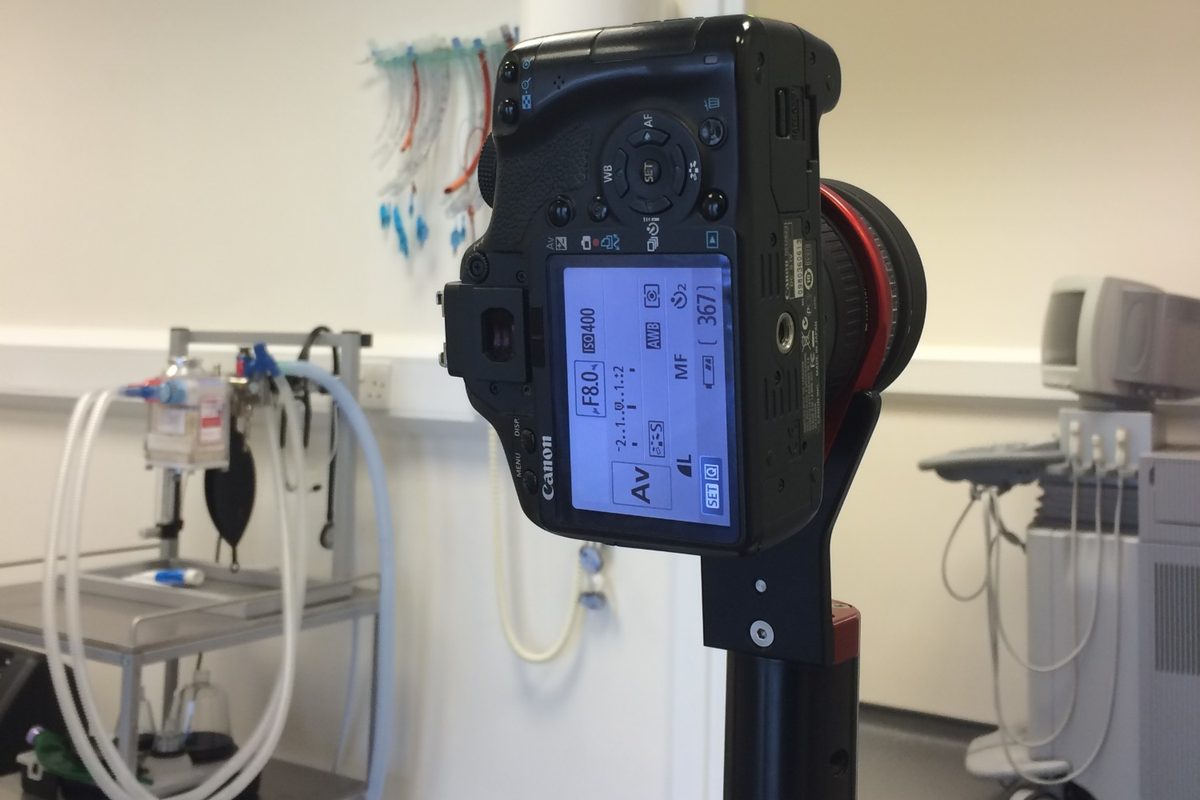
Module 5 covers the shooting, and the course explains where each one fits. If you already shoot on a DSLR, a fisheye lens and a panoramic head may be all you need to add.
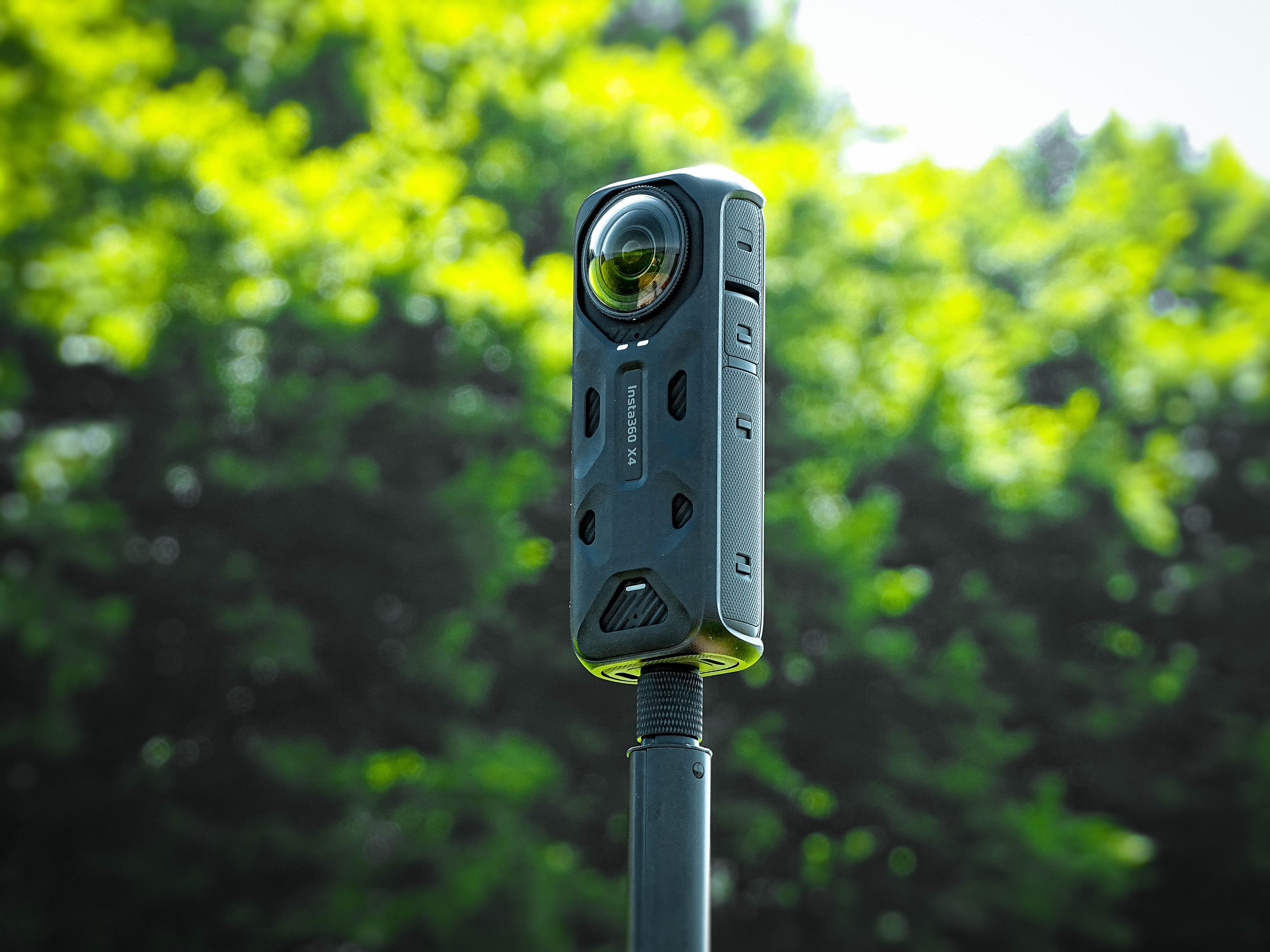
The quickest way in. Cameras like the Insta360 X5 or Ricoh Theta Z1 are good enough for Google tours and most hosted tours.
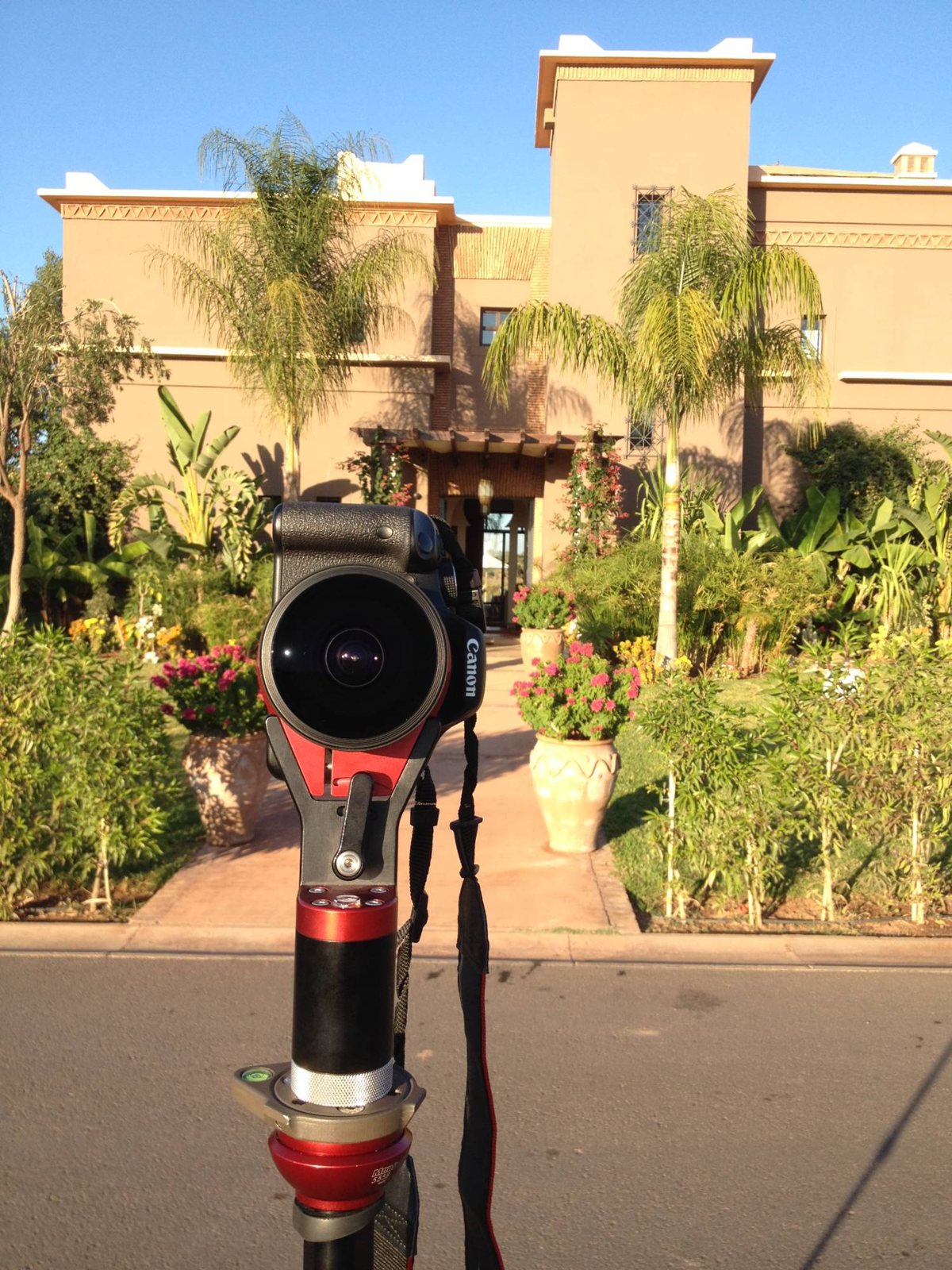
Sharper results, with clean ceilings and windows, and you can charge more for it.
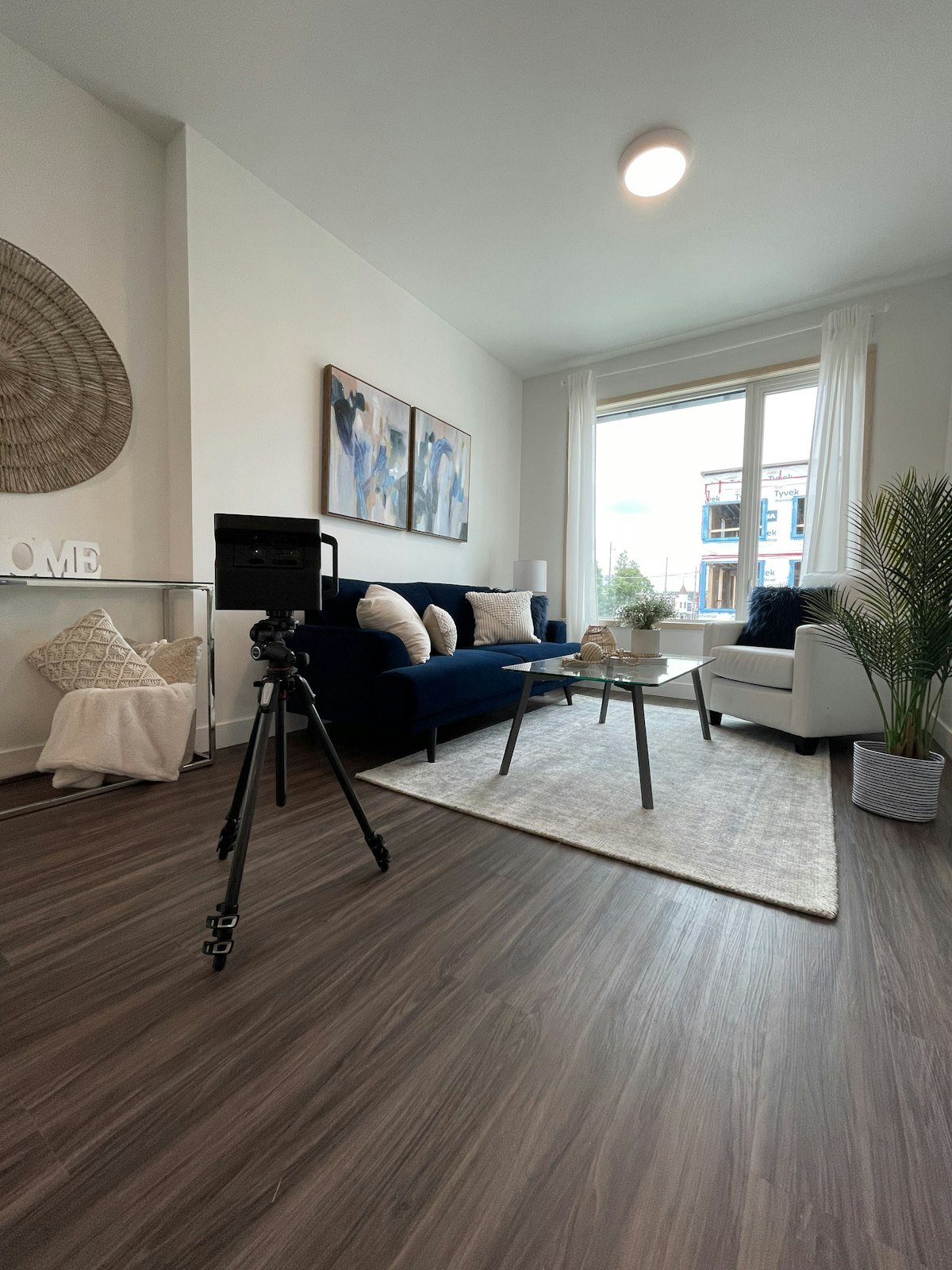
For property and offices that need a 3D dollhouse view, floor plans and measurements for space planning.
Short written lessons, each covering one topic and ending with a takeaway.
Rate card calculator, outreach scripts, quote and terms templates, pre-shoot checklists, capture cards, quality check sheets, delivery templates and an account growth plan.
Package prices for Google virtual tours, hosted virtual tours and multi-site work, checked against UK price lists in September 2026.
Pricing, job types, the shoot day, stitching and hosting, drawn to be readable on a phone.
A one-click 360 camera, or a DSLR with a fisheye lens on a panoramic head, step by step.
Prices, platforms and Google's rules change. Updates are included.
Join the other photographers on the course: ask questions, share your tours and swap tips.
Work through Module 1 and build your rate card. If you still don't think the course is worth it, email us within 30 days of buying and we'll refund you in full.
Dear photographer,
The course comes from Biztour, one of the UK's leading virtual tour agencies. We have shot more than 1,338 tours for businesses since 2013, from cafés and gyms through to hotels, universities and retail chains. This is that work written down from A to Z, for photographers who want to add tours to what they already sell.
If you already shoot for businesses, virtual tours are a new service you can offer the same clients. Where most people get stuck is what to charge, how to find businesses that would buy, what to put in a quote, and how to keep earning from a client once the tour is delivered.
The course follows a job in the order it happens. Module 1 has you work out your costs and a rate card before anything else. Module 2 shows you how to find businesses and contact them, starting with the clients you already have. Modules 3 to 6 cover the job itself, from the quote and terms to the finished, checked tour. Modules 7 and 8 cover hosting, which is where monthly income comes from, and selling more work to clients you already have.
It is written rather than filmed, so you can look up the bit you need while you are on site or about to send a quote. It will not do the work for you. Every module ends with an exercise. If you are prepared to do them, the course gives you a clear order to work in and the templates to save you writing everything from scratch.
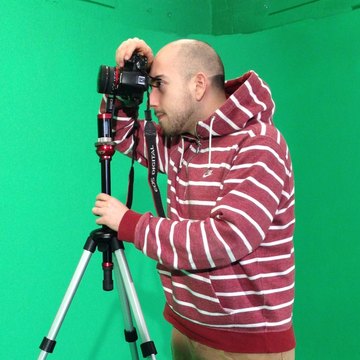
Theo TziapourasFounder of Biztour

P.S. If you are not sure whether you need it, read through the module list above. If you could already do most of it, you probably do not need the course. If several of them are new to you, it should save you a lot of trial and error.
Either a one-click 360 camera and a stand, or the DSLR you already own with a fisheye lens and a panoramic head. Module 5 covers both, so you can start with what you have.
Yes, and it covers the business side too. Modules 4 to 6 are the photography: planning the shoot, a capture routine for a 360 camera or a DSLR on a panoramic head, then stitching and checking the tour. The other modules cover what most photography courses leave out: pricing, finding clients, contracts, hosting and selling more work to the same client.
Yes. The course gets you into a private Skool group with the other photographers taking it, where you can ask questions and share your work.
Work through Module 1 and build your rate card. If you still don't think the course is worth it, email us within 30 days of buying and we'll refund you in full.
Biztour, one of the UK's leading virtual tour agencies, founded by Theo Tziapouras. Biztour has shot more than 1,338 tours for businesses since 2013.
Partly. Google Street View and Business Profile tours are one of the four kinds of work the course covers, including what changed when Google closed its trusted photographer programme. The other three are hosted tours on the client's own website, architectural photography and multi-site contracts.
They are UK figures in GBP, from Biztour's own jobs and published price lists, and you are never tied to them. Module 1 shows you how to work out prices from your own costs, so you can adjust them for your area.
There are 61 lessons and most take a few minutes to read, so the reading can be done over a week or two of evenings. The exercises take longer, because each one leaves you with something you use in the business, like a rate card or a prospect list.
The lessons are written, with diagrams and photos. That makes them easier to search and to look something up on your phone while you are on a job.
No. Module 2 assumes you are starting from nothing. It gives you the list to build, the emails and call scripts to use, and what to say when you walk in with a demo on your phone.
61 lessons, 8 templates and 51 diagrams, £997 one payment. Written for the UK market.
P.S. The course is written for the UK market. If you are based somewhere else most of it will still apply, but you will need to set your own prices using the method in Module 1.